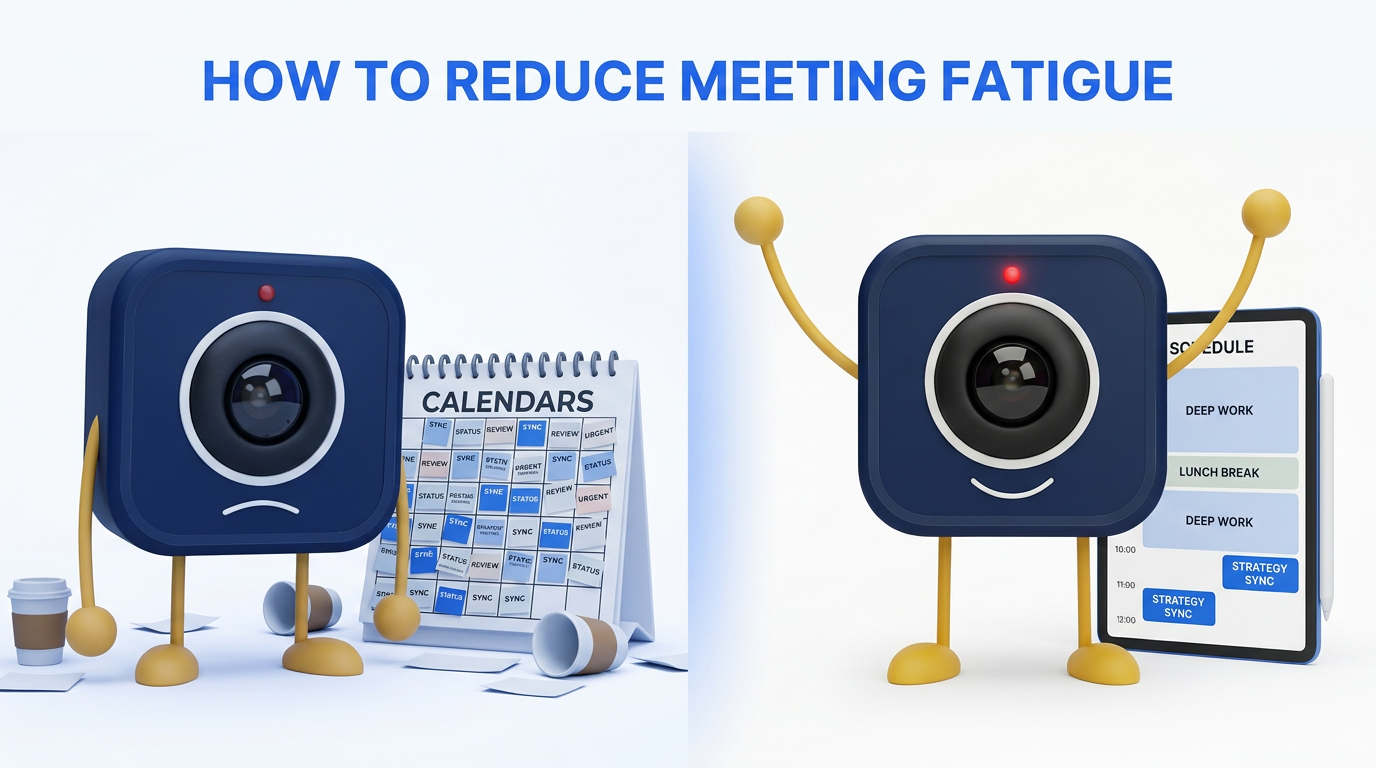
How to Reduce Meeting Fatigue: A Science-Backed Guide for Remote Teams
Meeting fatigue is a documented physiological and psychological phenomenon—not just a buzzword. Research from Stanford, Microsoft, and leading neuroscience labs confirms that excessive video calls increase stress, reduce cognitive performance, and drive burnout. This guide synthesizes the science and provides a structured, evidence-based approach to reducing meeting fatigue in remote and hybrid teams.
The Science of Meeting Fatigue
In 2021, Stanford professor Jeremy Bailenson published a landmark study in the journal Technology, Mind, and Behavior identifying four causes of "Zoom fatigue": excessive close-up eye contact, cognitive overload from constant self-view, reduced mobility, and the higher cognitive effort required to send and receive nonverbal cues on video. These findings have been replicated and expanded in subsequent research.
Research data: Microsoft's Human Factors Lab (2021) found that back-to-back video meetings increase beta-wave activity in the brain—a marker of stress—while 10-minute breaks between meetings allow beta activity to reset to baseline. Meetings that start after a break show measurably higher engagement and lower stress.
Microsoft's Work Trend Index (2023) reported that the average Teams user experienced a 252% increase in weekly meeting time since 2020, and 68% of employees say they don't have enough uninterrupted focus time during the workday.
Meeting Fatigue: Causes and Solutions
The following table maps each scientifically identified cause of meeting fatigue to specific, implementable solutions.
Causes, Mechanisms, and Solutions
| Fatigue Cause | Mechanism | Solution | DigitalMeet Feature |
|---|---|---|---|
| Excessive close-up eye contact | Unnatural prolonged mutual gaze triggers fight-or-flight response | Camera-optional policy for non-essential meetings | Camera-off mode, audio-only option |
| Constant self-view | Mirror anxiety — seeing yourself continuously increases self-criticism | Hide self-view by default | Self-view toggle |
| Reduced physical mobility | Sitting in one position to stay in frame restricts movement | Audio-only walking meetings, standing desk support | Audio-only mode, mobile app for walking meetings |
| Cognitive overload from nonverbal cues | Brain works harder to decode expressions on small tiles | Reduce gallery size, use speaker view | Speaker view, adjustable gallery layout |
| Back-to-back scheduling | No recovery time between cognitive tasks | Default 25/50-min meetings for built-in buffers | Configurable default meeting lengths |
| Too many meetings | Calendar saturation eliminates deep work time | Meeting-free blocks, async alternatives | Analytics to identify overloaded schedules |
| Lack of clear purpose | Meetings without outcomes feel like wasted time | Required agendas for meetings >3 people | Agenda templates, meeting notes integration |
Research-Backed Interventions
Not all interventions are equal. The following table rates each intervention by strength of evidence, ease of implementation, and expected impact.
Intervention Evidence and Impact Ratings
| Intervention | Evidence Rating | Ease of Implementation | Expected Impact | Source |
|---|---|---|---|---|
| 10-minute breaks between meetings | Strong | Easy (calendar settings) | High — reduces stress biomarkers by 30%+ | Microsoft Human Factors Lab, 2021 |
| Camera-optional policies | Strong | Easy (cultural norm) | Medium–High — reduces Zoom fatigue scores | Bailenson, Stanford, 2021 |
| 25-minute default meetings | Moderate | Easy (admin setting) | High — creates buffers, forces conciseness | Atlassian meeting research |
| No-meeting days or blocks | Strong | Moderate (org-wide buy-in) | High — 4+ hours of focus time recovered | Microsoft Work Trend Index, 2023 |
| Async-first for status updates | Moderate | Moderate (behavior change) | Medium — eliminates low-value meetings | Atlassian, GitLab remote work playbook |
| Hiding self-view | Moderate | Easy (individual setting) | Low–Medium — reduces mirror anxiety | Bailenson, Stanford, 2021 |
| Meeting analytics audit | Moderate | Easy (with DigitalMeet) | High — identifies worst offenders | Forrester, McKinsey organizational productivity |
| Walking or audio-only meetings | Moderate | Easy (individual choice) | Medium — reduces physical fatigue | Stanford mobility research, 2021 |
Weekly Meeting Audit Template
Use this template to assess your current meeting load and identify quick wins for fatigue reduction.
Personal Weekly Meeting Audit
| Meeting Name | Duration | Recurring? | My Role (lead/contributor/observer) | Could Be Async? | Could Be Shorter? | Action |
|---|---|---|---|---|---|---|
| (Example) Monday team sync | 30 min | Yes — weekly | Contributor | Partially — status could be async | Yes — 15 min | Convert to 15-min standup + async status |
| (Example) Project update | 60 min | Yes — weekly | Observer | Yes — recorded summary works | N/A | Drop attendance; review recording |
| (Example) 1:1 with manager | 30 min | Yes — weekly | Lead | No — real-time discussion needed | No | Keep as-is |
| (Fill in your meetings) |
Complete this audit for every meeting on your calendar. Tally the potential hours saved if you implemented all identified actions. Most people find they can reclaim 3–5 hours per week through this exercise alone.
Building a Fatigue-Resistant Meeting Culture
Individual tactics help, but lasting change requires organizational commitment. Leaders should model the behavior they want to see: decline unnecessary meetings, use async communication, and respect meeting-free blocks. Share analytics data with the team to make the problem visible and the progress measurable.
Key finding: Owl Labs' 2025 State of Remote Work report found that 67% of remote workers cite too many meetings as their biggest productivity drain, and organizations that implemented structured meeting reduction programs saw 23% higher employee retention rates compared to those that didn't.
For more on using analytics to drive meeting culture change, see Analytics and Efficiency and Why Meeting Analytics Matter. For collaboration best practices, see Remote Collaboration.
Frequently Asked Questions
What is meeting fatigue, exactly? Meeting fatigue is the documented exhaustion, stress, and reduced cognitive performance that results from excessive video calls. Stanford research identifies four physiological mechanisms: excessive eye contact, constant self-view, reduced mobility, and cognitive overload from nonverbal cue processing.
Does turning off the camera actually help? Yes. Stanford's Bailenson (2021) found that camera-optional policies reduce self-reported fatigue. The effect is strongest for women, newer employees, and introverts. Not every meeting needs video.
Won't fewer meetings hurt productivity? No. Research consistently shows that reducing unnecessary or poorly structured meetings improves focus, decision quality, and output. The goal isn't zero meetings—it's the right meetings, well run.
How do I convince leadership to reduce meetings? Use data. Calculate the cost of meeting hours (hours × people × hourly cost), show the impact on focus time using analytics, and propose a time-limited pilot with measurable outcomes. The ROI argument is compelling—see Why Meeting Analytics Matter.
What are no-meeting days and do they work? No-meeting days (or blocks) are designated periods where no meetings are scheduled, protecting focus time. Microsoft's research found they significantly improve focus and reduce after-hours work. Start with one morning or afternoon per week and measure the impact.
How does DigitalMeet help reduce meeting fatigue? DigitalMeet provides meeting analytics that quantify meeting load by person and team, camera-optional modes, configurable default meeting lengths, and audio-only options. Analytics make the problem visible and track the impact of changes over time.
Is meeting fatigue worse for remote workers? Research suggests meeting fatigue affects both remote and in-office workers, but remote workers experience it more intensely because a higher proportion of their interactions are video-based. Hybrid workers can mitigate by having some in-person interactions.
How many meetings per day is too many? Research doesn't specify a universal number, but Microsoft's data suggests that more than 5 meetings per day or more than 12 hours per week in meetings correlates with significant stress increases. Use DigitalMeet's analytics to find your team's threshold and protect focus time around it.