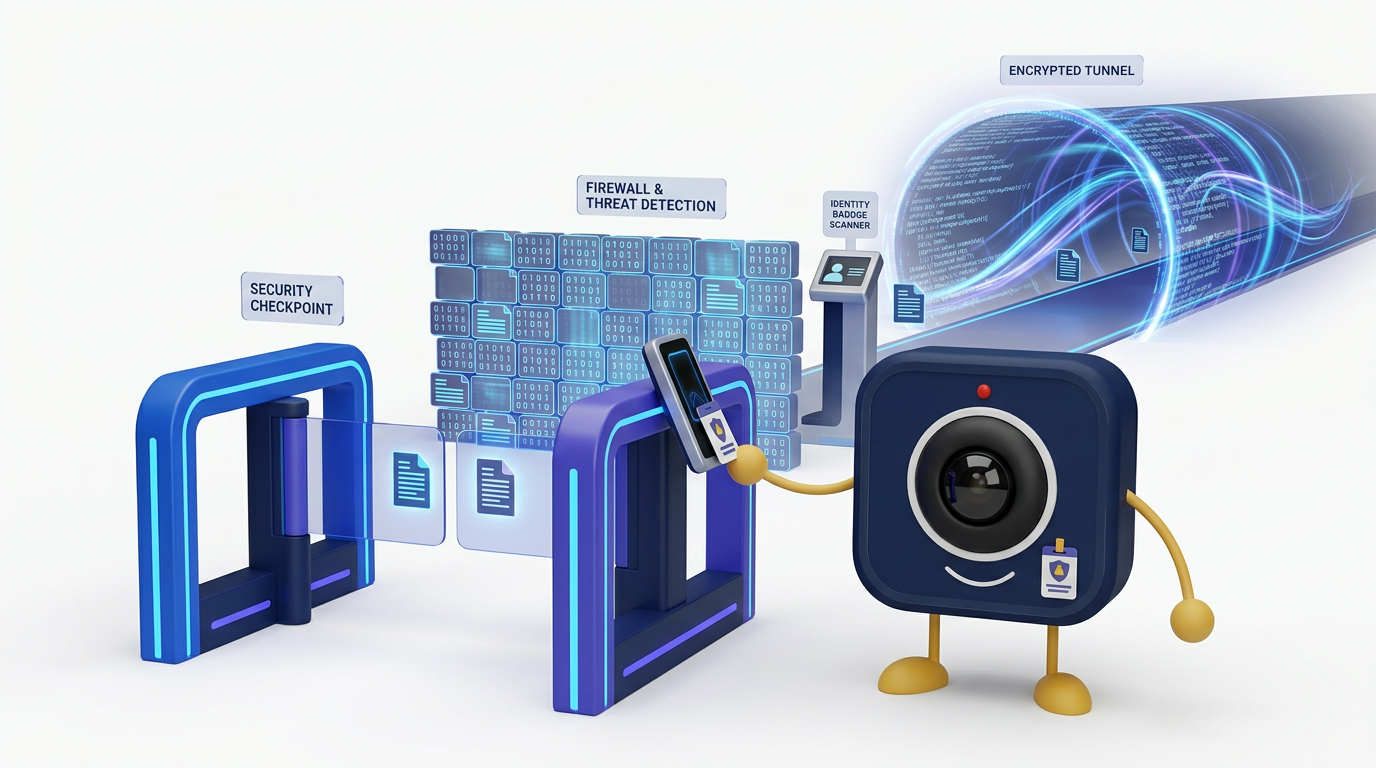
Video Conferencing Security Checklist for CISOs
As a Chief Information Security Officer, you are responsible for protecting the enterprise's digital assets. With the shift to hybrid work, video conferencing platforms have become critical infrastructure, but they have also expanded the corporate attack surface. A single vulnerability or misconfiguration can expose sensitive conversations, proprietary data, and intellectual property, leading to significant financial and reputational damage.
The Evolving Threat Landscape for Collaboration Tools
Video conferencing is no longer a simple communication tool. It is a hub for collaboration, integrating with CRMs, file storage, and other core business systems. This deep integration, while beneficial for productivity, creates complex security challenges. According to Gartner, by 2025, 70% of enterprise collaboration will happen on cloud platforms, making the security of these environments a top priority for security leaders (Gartner, 2022).
The average cost of a data breach reached $4.45 million in 2023, according to IBM's annual report. Breaches originating from compromised collaboration tools can be particularly damaging. CISOs must consider a range of threats:
- Eavesdropping and Interception: Unauthorized parties accessing live meeting audio, video, or chat streams.
- Data Exfiltration: Theft of sensitive documents, transcripts, or recordings shared or stored within the platform.
- Account Takeover: Attackers gaining control of legitimate user accounts through phishing or credential stuffing to access meetings and data.
- Denial-of-Service (DoS) Attacks: Disrupting business-critical meetings by overwhelming the platform's infrastructure.
- Supply Chain Attacks: Compromising the video conferencing vendor to distribute malware or gain access to its customers.
A reactive security posture is insufficient. A proactive, structured approach to evaluating and managing your video conferencing provider is essential for mitigating these risks effectively.
A CISO's Framework for Platform Evaluation
Evaluating a vendor's security claims requires a systematic approach. Marketing materials often highlight features like encryption, but true enterprise-grade security goes much deeper. It encompasses the entire platform lifecycle, from development and deployment to ongoing operations and compliance auditing.
We have developed this checklist to provide a comprehensive framework for CISOs and their security teams. It is designed to move beyond surface-level features and probe the core security and compliance commitments of any video conferencing provider. Use this tool during vendor selection, annual security reviews, or when auditing your current solution. It is organized into six critical security domains that form the foundation of a trustworthy platform.
The Comprehensive Video Conferencing Security Checklist
Use the following table to assess your current or prospective video conferencing vendor. This checklist helps ensure all critical security aspects are thoroughly examined.
| Security Domain | Key Question or Requirement |
|---|---|
| Data Encryption | Does the platform offer true end-to-end encryption (E2EE) as an option, where the provider cannot access meeting contents? Is all data encrypted in transit (TLS 1.3+) and at rest (AES-256)? |
| Identity & Access Management (IAM) | Does it support mandatory single sign-on (SSO) via SAML 2.0 or OIDC? Can multi-factor authentication (MFA) be enforced for all users? Are granular role-based access controls (RBAC) available for administrators? |
| Compliance & Data Governance | Does the vendor hold current certifications like SOC 2 Type II, ISO 27001, and ISO 27701? Do they sign a Business Associate Agreement (BAA) for HIPAA compliance? Are there explicit controls for data residency to comply with GDPR and other regional laws? |
| Application & Infrastructure Security | Does the vendor have a public vulnerability disclosure policy and a history of regular third-party penetration testing? Is their platform built on a secure software development lifecycle (SSDLC)? What are their DDoS mitigation capabilities? |
| In-Meeting Security Controls | Can hosts enforce waiting rooms, meeting passcodes, and domain-based join restrictions? Are there clear controls for managing screen sharing, recording, and participant removal? Is there a visible notification for all participants when a meeting is being recorded? |
| Auditing & Monitoring | Does the platform provide comprehensive, immutable audit logs for all administrative actions and user events? Can these logs be exported or streamed to a SIEM (Security Information and Event Management) system via webhooks or an API? |
Beyond the Checklist: Operationalizing Security
Selecting a secure platform is the first step. The next critical phase is operationalizing security within your organization. A powerful platform with weak internal policies creates a false sense of security. Your security team must work with IT and business leaders to establish and enforce clear guidelines for use.
Key Operational Considerations:
- User Training: Educate employees on security best practices, such as not sharing meeting links publicly, using strong passcodes, and identifying potential phishing attempts related to meeting invitations.
- Policy Enforcement: Use the platform's administrative features to enforce security policies. For example, you can disable certain features like file transfer for guest users or mandate that all internal meetings require authentication. DigitalMeet's granular admin controls provide the necessary tools to implement these policies at scale.
- Incident Response Plan: Your organization's incident response plan must include scenarios specific to your collaboration tools. This includes steps to revoke access, preserve audit logs, and communicate with stakeholders in the event of a security incident.
- Regular Audits: Periodically review access rights, admin privileges, and integration settings. Use the platform's built-in analytics and audit logs to identify anomalous behavior or policy violations. A strong enterprise video conferencing security posture requires continuous verification.
Why a Security-First Partner Matters
In the high-stakes environment of enterprise communication, your video conferencing provider is more than a vendor; they are a security partner. Their commitment to security should be transparent, verifiable, and deeply integrated into their culture and technology stack.
At DigitalMeet, security is not a feature but the foundation of our platform. We are built to meet the rigorous demands of enterprise CISOs. We provide end-to-end encryption, sign BAAs for HIPAA compliance, offer granular data residency controls for GDPR, and maintain SOC 2 Type II and ISO 27001 certifications. Our platform is designed to give you the control and visibility needed to protect your most sensitive conversations.
"A vendor's security certifications are a starting point, not a conclusion. True security partnership is demonstrated through transparency, robust controls, and a shared understanding of the threat landscape."
When you evaluate platforms, look for a partner who understands your challenges and provides the tools to solve them. For organizations weighing their options, a direct feature-by-feature analysis can be revealing. See our enterprise comparison of DigitalMeet vs Zoom to understand key security differentiators.
Ultimately, securing your organization's communications is a shared responsibility. By choosing a partner with a demonstrable commitment to security and implementing robust internal policies, you can confidently enable collaboration while protecting your enterprise from evolving threats.
Frequently Asked Questions
Q: What is the difference between end-to-end encryption (E2EE) and encryption in transit/rest?
A: Encryption in transit (like TLS) protects data as it travels between your device and the vendor's servers. Encryption at rest (like AES-256) protects data stored on those servers. End-to-end encryption (E2EE) ensures that only the meeting participants can decrypt the conversation; the vendor has no access to the decryption keys and cannot view the meeting content. E2EE provides the highest level of privacy.
Q: How does SSO improve video conferencing security?
A: Single sign-on (SSO) centralizes user authentication through your company's identity provider (e.g., Okta, Azure AD). This improves security by allowing you to enforce your corporate password policies, MFA requirements, and access controls consistently. It also simplifies user lifecycle management, as disabling an employee's access in one central system automatically revokes their access to the video platform, reducing the risk of orphaned accounts.
Q: What is SOC 2 Type II compliance and why is it important for a video platform?
A: A SOC 2 Type II report is an independent audit that verifies a company's systems and controls over a period of time (usually 6-12 months) against the AICPA's Trust Services Criteria for security, availability, processing integrity, confidentiality, and privacy. Unlike a Type I report, which only assesses the design of controls at a single point in time, a Type II report confirms their operational effectiveness. For a video conferencing vendor, it provides crucial assurance that they are consistently following their stated security practices.