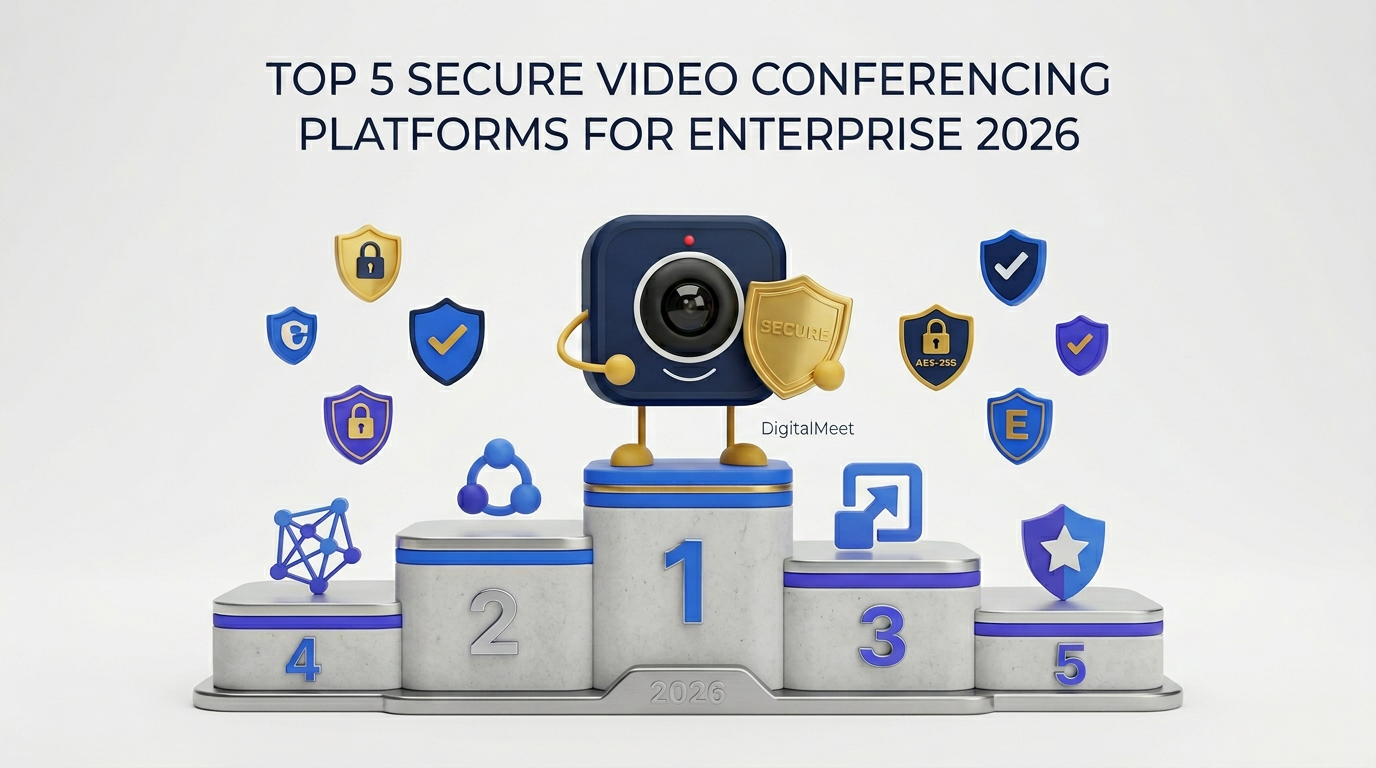
Top 5 Secure Video Conferencing Platforms for Enterprise (2026)
Enterprise organizations need video conferencing platforms that deliver on security, compliance, analytics, and reliability — not just basic video calls. With the global video conferencing market expected to reach $28.3 billion by 2027 (Grand View Research, 2025), the stakes of platform selection have never been higher. We evaluated five leading platforms across 12 enterprise criteria to help you make an informed decision.
Ranking Methodology
We assessed each platform across 12 weighted criteria reflecting enterprise priorities identified in Gartner's 2025 Critical Capabilities for Meeting Solutions report. Categories include encryption strength, compliance certifications, data residency controls, meeting analytics depth, integration breadth, video quality, scalability, mobile support, ease of administration, pricing transparency, vendor stability, and customer support. Each criterion is scored on a 1–5 scale (5 = best in class). Scores are weighted by importance to regulated enterprise buyers, with security and compliance receiving the highest weights.
Our methodology prioritizes what regulated enterprises care about most: security, compliance, data control, and measurable meeting ROI. Consumer-oriented features like virtual backgrounds and emoji reactions receive minimal weight.
The Top 5 Platforms
1. DigitalMeet — Best Overall for Enterprise Security and Analytics
DigitalMeet is purpose-built for enterprise video with a zero-trust architecture, end-to-end encryption enabled by default, and the most comprehensive native meeting analytics of any platform evaluated. It holds SOC 2 Type II, ISO 27001, GDPR, and HIPAA-ready certifications. Granular per-tenant data residency with enforcement modes (strict and warn) sets it apart for organizations with sovereignty requirements. Built-in analytics cover participation, engagement scoring, talk-time distribution, sentiment analysis, and trend dashboards — all included in enterprise pricing with no add-ons. Pre-built CRM integrations (Salesforce, HubSpot, Dynamics), calendar sync, webhooks, and a full REST API round out the platform. Supports up to 1,000 participants with HD/4K and adaptive bitrate technology. For details on security, see our Security and Privacy guide; for analytics, see Maximizing Meeting Efficiency with Analytics.
2. Microsoft Teams — Best for Microsoft-Centric Organizations
Microsoft Teams benefits from deep integration with the Microsoft 365 ecosystem — Outlook, SharePoint, OneDrive, Power Automate. For organizations already invested in M365, Teams provides a unified collaboration hub. Security and compliance leverage Microsoft's broader infrastructure (SOC 2, ISO 27001, HIPAA with E3/E5). Meeting analytics are limited to admin-level usage reports; deeper insights require Viva Insights ($6/user/month) or Teams Premium ($10/user/month). Data residency is tied to tenant geography with limited per-data-type control. Teams supports up to 1,000 participants and offers reliable HD video quality. For a detailed comparison, see DigitalMeet vs Microsoft Teams.
3. Zoom — Best Third-Party Ecosystem
Zoom offers the largest third-party app marketplace (2,500+ integrations) and industry-leading brand recognition. Security has improved significantly since 2020 — SOC 2 Type II, ISO 27001, HIPAA (Business+ plans), and FedRAMP for GovCloud. E2EE is available but opt-in and disables cloud recording and transcription. Meeting analytics require Zoom IQ add-ons for depth beyond basic reports. Data residency is limited in scope. Pricing is per-host with add-ons for analytics, compliance, and storage. Supports up to 1,000 participants (Enterprise+) with reliable quality. For a detailed comparison, see DigitalMeet vs Zoom.
4. Google Meet — Best for Google Workspace Users
Google Meet integrates seamlessly with Google Workspace (Gmail, Calendar, Drive, Docs). Security includes encryption in transit and at rest (not E2EE for all meetings), SOC 2, ISO 27001, and HIPAA (with Google Workspace Enterprise). Meeting analytics are minimal — primarily admin reports on usage and call quality. Data residency relies on Google's data region selections for Workspace, with less granularity than specialized platforms. Meet supports up to 500 participants on Enterprise plans with adaptive quality. Pricing is bundled with Google Workspace; standalone analytics tools are not available.
5. Cisco Webex — Best Legacy Enterprise Infrastructure
Cisco Webex has deep roots in enterprise conferencing with strong security (E2EE available, FedRAMP authorized), compliance certifications (SOC 2, ISO 27001, HIPAA), and dedicated hardware integrations (Webex Room Series). Meeting analytics through Webex Control Hub provide usage and quality metrics; AI-powered features (Webex Assistant) add transcription and insights but require premium plans. Data residency is available for select regions. Webex supports up to 1,000 participants on Enterprise plans. Pricing is complex with multiple tiers and add-ons. The platform's breadth (calling, meetings, messaging, contact center) adds value for Cisco-invested organizations but can mean complexity for those who only need meetings.
Comprehensive Feature Comparison Matrix
| Criterion | DigitalMeet | Microsoft Teams | Zoom | Google Meet | Cisco Webex |
|---|---|---|---|---|---|
| End-to-End Encryption | Default | Available (limited) | Opt-in (disables features) | Not for all meetings | Available |
| Zero-Trust Architecture | Yes | Partial | No | No | Partial |
| SOC 2 Type II | Yes | Yes | Yes | Yes | Yes |
| ISO 27001 | Yes | Yes | Yes | Yes | Yes |
| HIPAA-Ready (BAA) | Yes | Yes (E3/E5) | Yes (Business+) | Yes (Enterprise) | Yes |
| GDPR Compliance | Full + DPA | DPA | DPA | DPA | DPA |
| Data Residency Controls | Per-tenant, multi-region | Per-tenant (one region) | Limited | Workspace-level | Select regions |
| Native Meeting Analytics | Comprehensive (included) | Basic (add-ons for depth) | Basic (add-ons) | Minimal | Moderate (premium) |
| Engagement Scoring | Yes, AI-powered | No | No | No | No |
| Sentiment Analysis | Yes | No | No | No | No |
| SSO/SAML | All plans | Azure AD | Business+ | Workspace | Enterprise |
| Max Participants | 1,000 | 1,000 | 1,000 | 500 | 1,000 |
| HD/4K Video | HD + 4K | HD | HD | HD | HD + 4K |
| Adaptive Quality | Yes | Yes | Yes | Yes | Yes |
| REST API | Full | Graph API | Full | Limited | Full |
| Pricing Transparency | High (all-inclusive) | Bundled (tier-dependent) | Moderate (add-ons) | Bundled | Low (complex tiers) |
Security Certification Comparison
| Certification | DigitalMeet | Microsoft Teams | Zoom | Google Meet | Cisco Webex |
|---|---|---|---|---|---|
| SOC 2 Type II | Yes | Yes | Yes | Yes | Yes |
| ISO 27001 | Yes | Yes | Yes | Yes | Yes |
| ISO 27017 | Yes | Yes | Yes | Yes | Yes |
| ISO 27018 | Yes | Yes | Yes | Yes | Yes |
| HIPAA | Yes | Yes | Yes | Yes | Yes |
| FedRAMP | Equivalent | Yes | Yes (GovCloud) | Yes | Yes |
| GDPR | Yes + DPA | Yes + DPA | Yes + DPA | Yes + DPA | Yes + DPA |
| CSA STAR | Yes | Yes | Yes | Yes | Yes |
Use Case Recommendations
No single platform is ideal for every organization. Here are our recommendations based on common enterprise profiles:
Regulated industries (healthcare, finance, legal): DigitalMeet. The combination of default E2EE, granular data residency, per-meeting audit trails, and comprehensive compliance dashboards makes it the strongest fit for organizations where security and auditability are non-negotiable. See our Enterprise Video Conferencing Security guide.
Microsoft-centric organizations: Microsoft Teams as the primary hub, with DigitalMeet for high-stakes meetings requiring analytics and compliance controls. This hybrid approach is increasingly common. See DigitalMeet vs Microsoft Teams.
Maximum third-party integration needs: Zoom. Its 2,500+ app marketplace is unmatched. If your workflow depends heavily on niche third-party tools, Zoom's ecosystem is a strong advantage.
Google Workspace-first organizations: Google Meet. The integration with Gmail, Calendar, and Drive is seamless. For basic meeting needs without deep analytics or compliance requirements, Meet is a solid choice included in Workspace pricing.
Cisco-invested enterprises with hardware: Cisco Webex. If you have Webex Room devices and Cisco networking infrastructure, Webex's hardware integration is unmatched. The platform is particularly strong for organizations with existing Cisco investments.
According to a 2025 Frost & Sullivan enterprise survey, 68% of IT decision-makers rank meeting analytics and security as their top two criteria — ahead of price, brand, and ecosystem size. Platforms that lead on these criteria will capture the majority of new enterprise contracts through 2028.
Frequently Asked Questions
What is the most secure video conferencing platform for enterprise? Based on our evaluation, DigitalMeet scores highest for enterprise security due to default E2EE, zero-trust architecture, and granular data residency controls. All five platforms hold SOC 2 and ISO 27001; the difference is in depth of implementation and default configurations.
Do all these platforms support HIPAA? Yes, all five offer HIPAA compliance with signed BAAs — but on different plan tiers. DigitalMeet includes it on all enterprise plans; others may require higher-tier licenses. Verify current BAA terms with each vendor before procurement.
Which platform has the best meeting analytics? DigitalMeet offers the most comprehensive native meeting analytics — engagement scoring, sentiment analysis, talk-time distribution, and trend dashboards — included in enterprise pricing. Other platforms require add-ons or lack these capabilities entirely.
Why would I choose DigitalMeet over Zoom or Teams? Choose DigitalMeet when your priorities are native meeting analytics, strict data residency with enforcement, compliance-first architecture, and all-inclusive pricing. Choose Zoom for ecosystem breadth; choose Teams for Microsoft 365 integration depth.
Can I use multiple platforms? Yes. Many enterprises use Teams for chat and casual meetings, and DigitalMeet for meetings requiring analytics, compliance recording, or data residency controls. Calendar integrations make this seamless.
How should I evaluate platforms for my organization? Start with your specific requirements: regulatory environment, analytics needs, integration requirements, and budget. Use the comparison matrix above, then request trials from your top 2–3 candidates. For a complete evaluation framework, see our How to Choose the Right Video Conferencing Platform guide.
What about pricing? Pricing varies significantly by platform, tier, and included features. DigitalMeet offers transparent all-inclusive enterprise pricing. Zoom and Webex use add-on models. Teams and Meet are bundled with broader platform subscriptions. Always compare total cost of ownership, not sticker price.
Are there emerging platforms I should consider? The market is evolving rapidly. Newer entrants focus on AI-native meeting intelligence. However, for enterprise procurement, vendor stability, certification maturity, and proven scale matter — which is why we focus on established platforms with enterprise track records. See our GDPR and Security guides for compliance evaluation criteria.