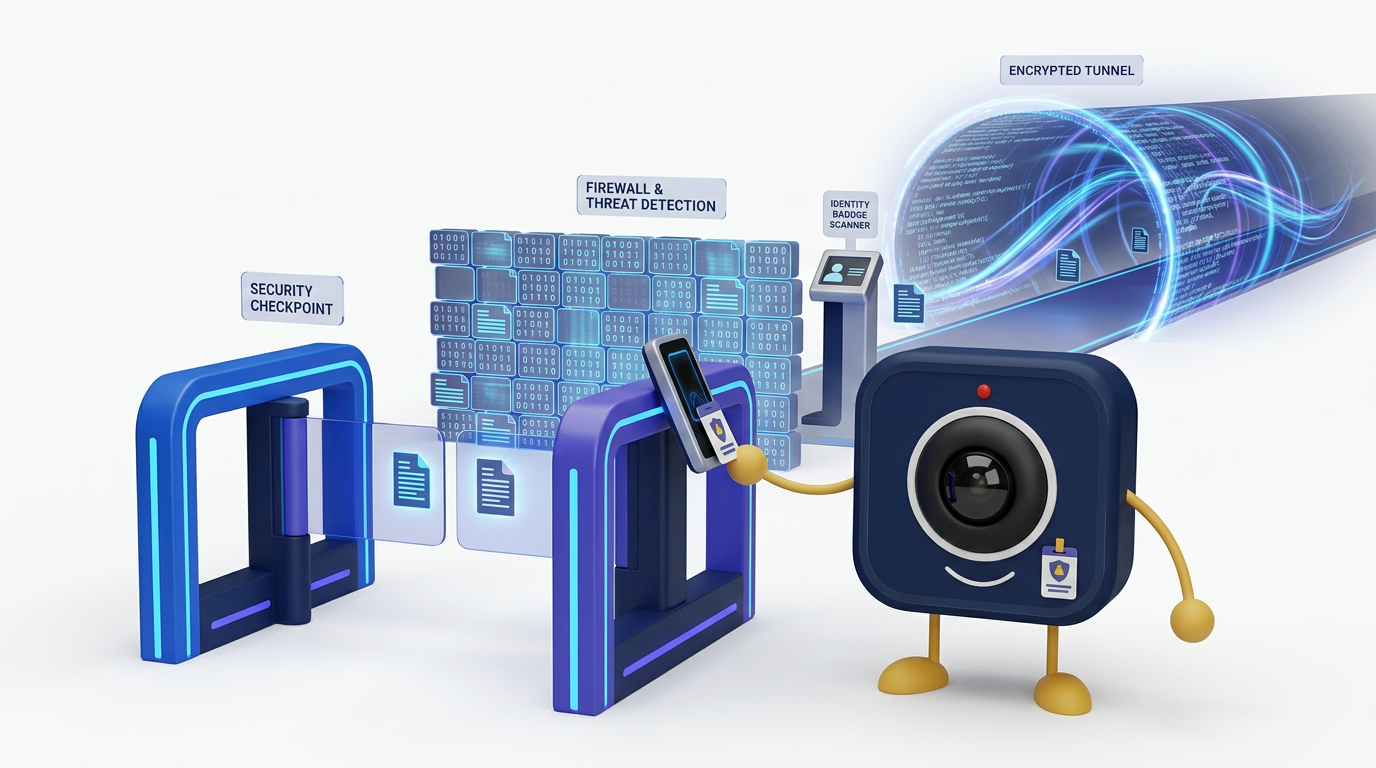
Enterprise Video Conferencing Security: Encryption, Access Controls, and Zero Trust
Enterprise video conferencing security is built on three pillars: encryption that protects data at every stage, access controls that enforce least-privilege principles, and a zero-trust architecture that verifies every request regardless of network location. This guide provides a detailed technical assessment of what enterprises should demand from their video platform and how DigitalMeet implements these security controls.
Encryption: Protecting Data at Every Layer
Encryption is the foundational security control for video conferencing. It prevents unauthorized interception of communications and protects stored data from breaches.
Encryption Types and Applications
| Encryption Type | What It Protects | Standard | DigitalMeet Implementation |
|---|---|---|---|
| TLS 1.2+ (Transport Layer Security) | Signaling data, API calls, control plane | RFC 8446 (TLS 1.3) | All signaling and API traffic encrypted with TLS 1.2 minimum; TLS 1.3 preferred |
| DTLS-SRTP | Real-time media (audio, video) in transit | RFC 5764 | All WebRTC media streams protected via DTLS key exchange and SRTP encryption |
| End-to-end encryption (E2EE) | Media content from sender to receiver; server cannot decrypt | WebRTC Insertable Streams / SFrame | Available for all meetings; keys managed client-side; server handles only encrypted payloads |
| AES-256 at rest | Stored recordings, transcripts, metadata, chat logs | NIST FIPS 197 | All stored data encrypted with AES-256; encryption keys managed via HSM-backed key management |
| AES-256-GCM (object storage) | S3/object storage encryption | NIST SP 800-38D | Server-side encryption with customer-managed keys (SSE-CMK) available |
Key principle: Encryption in transit protects against network-level interception. Encryption at rest protects against storage-level breaches. End-to-end encryption protects against compromise of the service provider itself. A comprehensive security posture requires all three.
End-to-End Encryption: Trade-offs
True E2EE means the video platform server cannot access the decrypted content. This provides the strongest confidentiality guarantee but creates trade-offs:
- Server-side recording: Not possible with E2EE; recording must happen client-side or E2EE must be selectively disabled for recorded sessions.
- AI features: Transcription, summarization, and real-time translation require server-side media access, which is incompatible with E2EE.
- Large meetings: E2EE with SFU topologies requires careful key management as participant count grows.
DigitalMeet supports deployment models that balance E2EE with functionality requirements: full E2EE for confidential sessions, and server-managed encryption with contractual and technical controls for sessions requiring recording or AI features.
Access Controls: Enforcing Least Privilege
Access controls determine who can enter meetings, what actions they can perform, and what data they can access afterward.
Access Control Methods
| Control Method | Purpose | DigitalMeet Implementation |
|---|---|---|
| SSO / SAML 2.0 | Federated authentication with enterprise IdP | Okta, Azure AD, Google Workspace, PingOne, and custom SAML |
| OAuth 2.0 / OIDC | Token-based authorization for API and integrations | OIDC for user authentication; OAuth 2.0 for API access |
| Multi-factor authentication (MFA) | Second factor to prevent credential compromise | TOTP, hardware keys (WebAuthn/FIDO2), push notification |
| Role-based access control (RBAC) | Permissions based on organizational role | Admin, organizer, presenter, participant roles with granular permissions |
| Meeting-level access controls | Per-meeting security settings | Waiting rooms, passcodes, authenticated-only join, domain restrictions |
| Data access controls | Post-meeting access to recordings and artifacts | Owner-based, role-based, and policy-based access to recordings, transcripts, exports |
| IP allowlisting | Restrict access to approved networks | Configurable per tenant; API and UI access restricted to approved CIDRs |
| Device trust | Verify device posture before granting access | Integration with device management (MDM) and conditional access policies |
Zero Trust Architecture
Zero trust is a security model that assumes no implicit trust based on network location, device, or prior authentication. Every request must be verified. NIST SP 800-207 defines the core principles:
Zero Trust Principles Applied to Video Conferencing
| Zero Trust Principle (NIST SP 800-207) | Video Conferencing Application | DigitalMeet Implementation |
|---|---|---|
| All data sources and computing services are considered resources | Every meeting room, recording, and API endpoint is a protected resource | Per-resource access policies; no shared-access defaults |
| All communication is secured regardless of network location | Encryption applies whether users are on corporate LAN or public internet | TLS/DTLS-SRTP everywhere; no plaintext fallback |
| Access to resources is granted on a per-session basis | Meeting access is validated per join attempt, not cached | Token-based session validation; re-authentication on sensitive actions |
| Access is determined by dynamic policy | Policies can factor in user role, device posture, location, and risk signals | Conditional access policies; risk-based authentication triggers |
| The enterprise monitors and measures security posture of all assets | Continuous monitoring of meeting activity and anomalous behavior | Real-time audit logging; anomaly detection; SIEM integration |
| Authentication and authorization are dynamic and strictly enforced | Every API call and user action is authenticated and authorized | JWT-based auth with short-lived tokens; per-action authorization checks |
Audit Logging and Incident Response
Comprehensive audit logging is essential for compliance, incident response, and forensic analysis. DigitalMeet captures:
- Authentication events: Login, logout, MFA challenge, SSO assertion
- Meeting lifecycle: Create, join, leave, end, with participant identity and timestamps
- In-meeting actions: Recording start/stop, screen share start/stop, file upload, chat message
- Administrative actions: Policy changes, user management, data export, deletion
- Data access: Recording playback, transcript download, metadata query
Logs are tamper-evident, timestamped, and exportable to your SIEM (Splunk, Datadog, Elastic, Microsoft Sentinel, and others) via API or automated export. For operational observability, see Observability.
Compliance Frameworks and Video Security
Enterprise security controls map to major compliance frameworks:
- SOC 2 Type II: DigitalMeet’s controls are audited against the Trust Services Criteria (Security, Availability, Processing Integrity, Confidentiality, Privacy).
- ISO 27001: Our information security management system (ISMS) aligns with ISO 27001 Annex A controls.
- HIPAA: Technical safeguards satisfy 45 CFR § 164.312 requirements. See HIPAA-Compliant Video Conferencing.
- GDPR: Encryption, access controls, and data residency satisfy Article 32 security requirements. See GDPR Compliance for Video Conferencing.
Frequently Asked Questions
Does DigitalMeet use end-to-end encryption?
Yes. DigitalMeet supports true end-to-end encryption where keys are managed client-side and the server handles only encrypted payloads. For sessions requiring server-side features (recording, AI), we use DTLS-SRTP in transit and AES-256 at rest with contractual and technical controls.
Can we use our own SSO/identity provider?
Yes. DigitalMeet supports SAML 2.0, OAuth 2.0, and OpenID Connect with major enterprise identity providers including Okta, Azure AD, Google Workspace, and PingOne.
Are all actions logged for audit?
Yes. DigitalMeet maintains comprehensive, tamper-evident audit logs covering authentication, meeting lifecycle, in-meeting actions, administrative changes, and data access. Logs are exportable to your SIEM.
What is zero trust and does DigitalMeet implement it?
Zero trust is a security model that assumes no implicit trust. DigitalMeet authenticates and authorizes every request, enforces per-session access, supports conditional access policies, and provides continuous monitoring—aligned with NIST SP 800-207.
Does DigitalMeet support customer-managed encryption keys?
Yes. For data at rest in object storage, DigitalMeet supports server-side encryption with customer-managed keys (SSE-CMK), giving you control over the encryption key lifecycle.
How does DigitalMeet handle security incidents?
We maintain a documented incident response plan with defined severity levels, response timelines, and customer notification procedures. SOC 2 Type II audit covers our incident response controls.
Can we restrict meeting access to specific IP ranges?
Yes. Per-tenant IP allowlisting restricts both API and UI access to approved network ranges.
What compliance certifications does DigitalMeet hold?
DigitalMeet maintains SOC 2 Type II compliance, supports ISO 27001-aligned ISMS, signs HIPAA BAAs, and offers GDPR-aligned DPAs. Data centers carry ISO 27001 and SOC 2 certifications.