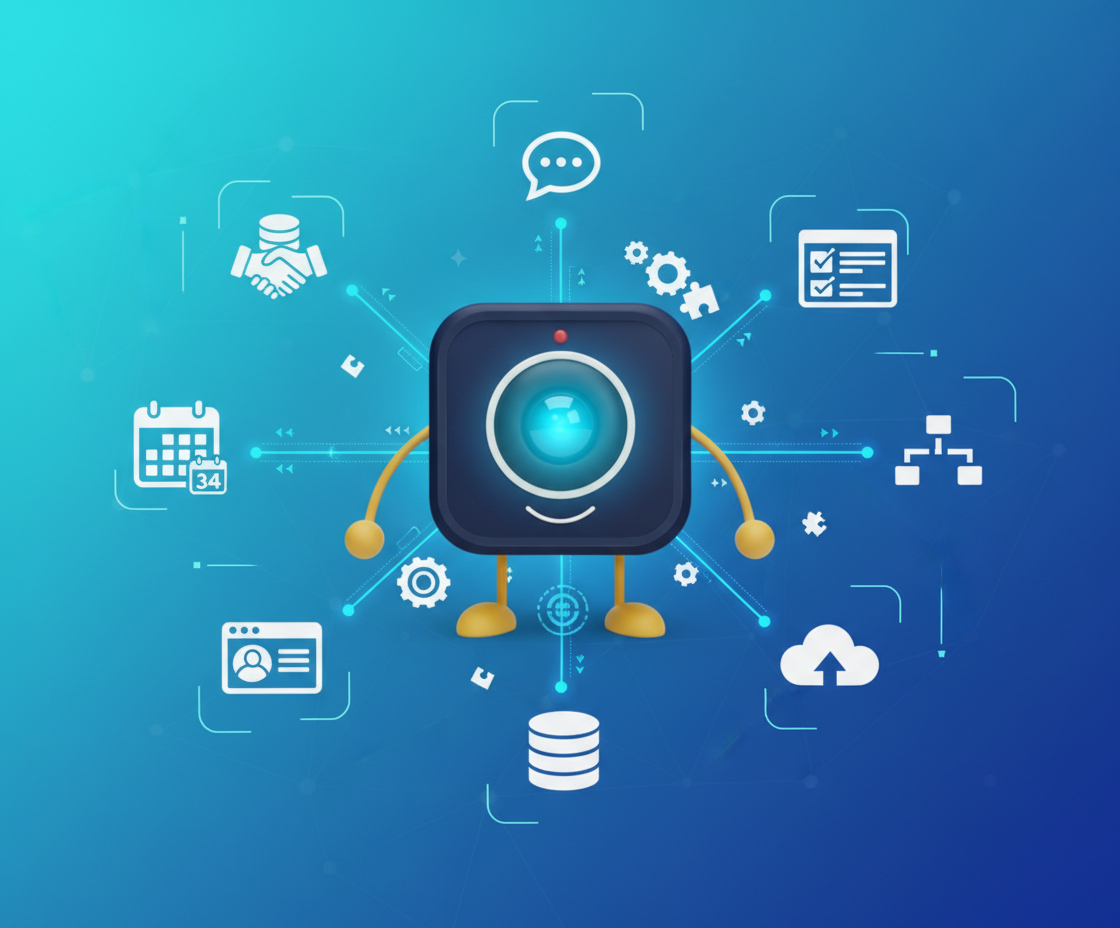
Integrating DigitalMeet with Your Workflow
True productivity doesn't come from using great tools—it comes from using great tools that work together seamlessly. Discover how DigitalMeet integrations eliminate friction and amplify your team's effectiveness.
The Integration Imperative
Every organization uses multiple tools. Calendars for scheduling. CRMs for customer management. Project management platforms for task tracking. Communication tools for messaging. The average knowledge worker switches between 10+ applications daily. Each switch is a context loss. Each context loss is a productivity drain.
"The average employee toggles between apps 1,200 times per day, losing 4 hours per week to context switching alone." — Harvard Business Review
DigitalMeet eliminates these switches by integrating deeply with the tools you already use. Instead of managing meetings in isolation, they become part of your natural workflow. Instead of switching applications, everything flows together seamlessly.
Integration Capabilities Overview
DigitalMeet offers both pre-built connectors and a comprehensive API. Here's what's available:
| Integration | Data Synced | Auth Method | Setup Time |
|---|---|---|---|
| Google Calendar | Events, availability, meeting links, reminders | OAuth 2.0 | 2 minutes |
| Microsoft Outlook / 365 | Calendar events, contacts, meeting links | OAuth 2.0 / Azure AD | 3 minutes |
| Salesforce | Meeting logs, recordings, transcripts → CRM records | OAuth 2.0 | 10 minutes |
| HubSpot | Meeting activity, contact timeline, deal associations | OAuth 2.0 | 5 minutes |
| Slack | Meeting notifications, join links, recording alerts | OAuth 2.0 | 2 minutes |
| Microsoft Teams | Channel notifications, meeting links | Azure AD | 5 minutes |
| Jira | Action items → tickets, meeting references | OAuth 2.0 / API Token | 5 minutes |
| Asana | Action items → tasks, project references | OAuth 2.0 | 5 minutes |
| Trello | Action items → cards, board updates | API Key | 3 minutes |
| Notion | Meeting notes, transcripts, summaries | OAuth 2.0 | 3 minutes |
| Zapier | Custom triggers & actions (3,000+ app connections) | API Key | 5–15 minutes |
| Custom (REST API) | Full platform data: meetings, users, recordings, analytics | API Key / OAuth 2.0 | Hours to days |
Pre-Built Connectors vs. API: Choosing the Right Approach
Not sure whether to use a pre-built connector or the API? Here's how to decide:
| Criteria | Pre-Built Connector | REST API |
|---|---|---|
| Setup Complexity | One-click to 10 minutes | Hours to weeks (depends on scope) |
| Customization | Limited to connector's options | Fully customizable |
| Maintenance | Managed by DigitalMeet | Managed by your team |
| Data Flexibility | Pre-defined sync fields | Access to all platform data |
| Authentication | OAuth flow handled automatically | API keys or OAuth 2.0 |
| Rate Limits | Connector-managed | 1,000 req/min (standard), 10,000 (enterprise) |
| Best For | Standard workflows, quick wins | Custom workflows, internal tools, analytics |
| Technical Skill Required | None | Developer-level |
"Organizations that integrate their collaboration tools with CRM and project management platforms report 32% faster deal cycles and 28% fewer dropped action items." — Forrester Research
Calendar Integration: Meeting Scheduling Revolutionized
Scheduling shouldn't be a project—it should be automatic. DigitalMeet integrates natively with Google Calendar, Microsoft Outlook, Apple Calendar, and other major calendar systems. When you create a meeting in your calendar, DigitalMeet room details are automatically added. When someone accepts an invitation, they get everything they need to join seamlessly.
But we go beyond simple linking. Our smart scheduling features find optimal meeting times across participants' calendars. Time zone detection ensures everyone sees meeting times correctly. Calendar availability syncs in real-time, so you never double-book. Meeting reminders sync with calendar notifications. It's not integration—it's unification.
CRM Integration: Meetings as Business Intelligence
Sales teams live in their CRMs. DigitalMeet integrations with Salesforce, HubSpot, and other leading platforms turn every customer meeting into valuable business intelligence. Meeting recordings automatically attach to CRM records. Transcripts become searchable customer interaction history. Meeting notes sync to opportunity records. Customer conversations become part of your customer data, not isolated events.
Go further with bi-directional sync. Create DigitalMeet meetings directly from CRM records. Pull customer context into meetings. Log meeting outcomes back to CRM. Sales teams don't need to choose between using their CRM and using video conferencing—they work together as one cohesive system.
Project Management Integration: Meetings Drive Execution
Meetings generate action items. Action items become tasks. Tasks become projects. DigitalMeet integrates with Asana, Trello, Jira, Monday.com, and other project management tools to close this loop automatically. Meeting recordings become project documentation. Action items extracted from transcripts automatically create tasks. Decisions documented in meetings update project status. Turn discussions into deliverables without manual effort.
API Power: Custom Integrations That Fit
No two organizations work exactly alike. While DigitalMeet includes pre-built integrations for the most popular tools, our comprehensive REST API lets you build custom integrations for any system. Create meetings programmatically. Pull meeting data into your analytics platform. Trigger workflows based on meeting events. Build exactly what your organization needs.
Our API documentation is thorough, our SDKs are robust, and our developer support is responsive. Whether you're integrating with legacy systems or cutting-edge platforms, our API makes it possible.
Single Sign-On: One Identity, Everywhere
Password fatigue is real. DigitalMeet supports SSO through SAML 2.0, OAuth 2.0, and OpenID Connect, integrating with identity providers like Okta, Azure AD, Google Workspace, and others. One login gives users access to DigitalMeet and all connected systems. IT teams gain centralized access control. Security improves through unified identity management. For more on authentication security, see our Security and Privacy guide.
Webhooks and Event Streaming: Real-Time Integration
Sometimes integration needs to be instant. DigitalMeet's webhook system sends real-time notifications when meetings start, end, participants join or leave, recordings complete, or any other event occurs. Use webhooks to update dashboards, trigger notifications, sync data, or perform any action that needs to happen in response to meeting activity.
For high-volume integrations, our event streaming API provides continuous data feeds. Build real-time monitoring systems, live analytics dashboards, or automated workflows that respond instantly to meeting activity.
The Compound Effect of Integration
Individual integrations provide value. But the real power emerges when integrations work together. Calendar integration plus CRM integration means customer meetings automatically appear in both systems. Project management integration plus webhooks means action items create tasks while meetings are still happening. SSO plus API access means custom applications authenticate users seamlessly.
DigitalMeet doesn't just integrate with your tools—it creates an integrated ecosystem where everything works together. Each integration amplifies the others, creating productivity gains that compound over time.
Getting Started with Integrations
Integration setup should be simple, not intimidating. DigitalMeet's integration marketplace provides one-click setup for popular tools. Step-by-step guides walk you through configuration. Our support team helps with custom integrations. Most organizations have their core integrations running within hours, not days.
The Productivity Multiplier
Integration isn't a feature—it's a philosophy. By making DigitalMeet work seamlessly with your existing tools, we don't just add a new capability—we amplify everything you already do. Meetings become more valuable when they're connected to your workflow. Your workflow becomes more effective when meetings are integrated. The whole becomes greater than the sum of its parts.
Ready to eliminate workflow friction? Discover how DigitalMeet integrations transform video conferencing from an isolated tool into the connective tissue of your organization.
Frequently Asked Questions
How many integrations does DigitalMeet support? DigitalMeet offers 12+ pre-built connectors for popular tools (calendars, CRMs, project management, messaging), plus Zapier connectivity to 3,000+ additional apps. Our REST API enables unlimited custom integrations.
Is the API included in all plans? Basic API access (meeting creation, user management) is available on Pro plans. Full API access including webhooks, event streaming, and analytics endpoints is available on Enterprise plans.
Can I integrate DigitalMeet with legacy systems? Yes. Our REST API works with any system that can make HTTP requests. For older systems, use our webhook-to-email bridge or Zapier as an intermediary. Our developer support team assists with complex legacy integrations.
How does calendar integration handle time zones? DigitalMeet automatically detects each participant's time zone and displays meeting times accordingly. Calendar events are created with proper time zone metadata so participants always see the correct local time, regardless of where they are.
What happens to integrations if I upgrade or downgrade my plan? Pre-built connectors remain active across plan changes. API-based integrations that use Enterprise-only endpoints will return 403 errors if you downgrade. We provide 30 days notice before any integration functionality changes.
Does DigitalMeet support bi-directional CRM sync? Yes. Our Salesforce and HubSpot integrations support full bi-directional sync: create meetings from CRM, log outcomes back, attach recordings and transcripts to contact/deal records, and sync meeting metadata in both directions.
How secure are integrations? All integrations use OAuth 2.0 or secure API keys. Data in transit is encrypted with TLS 1.3. Integration permissions follow the principle of least privilege—each connector only accesses the data it needs. See our Security guide for details.
Can I build a custom integration without developers? Yes—use our Zapier connector or integration marketplace for no-code setups. For more complex workflows, tools like Make (formerly Integromat) work with our webhook system. Developer resources are only needed for fully custom API integrations.